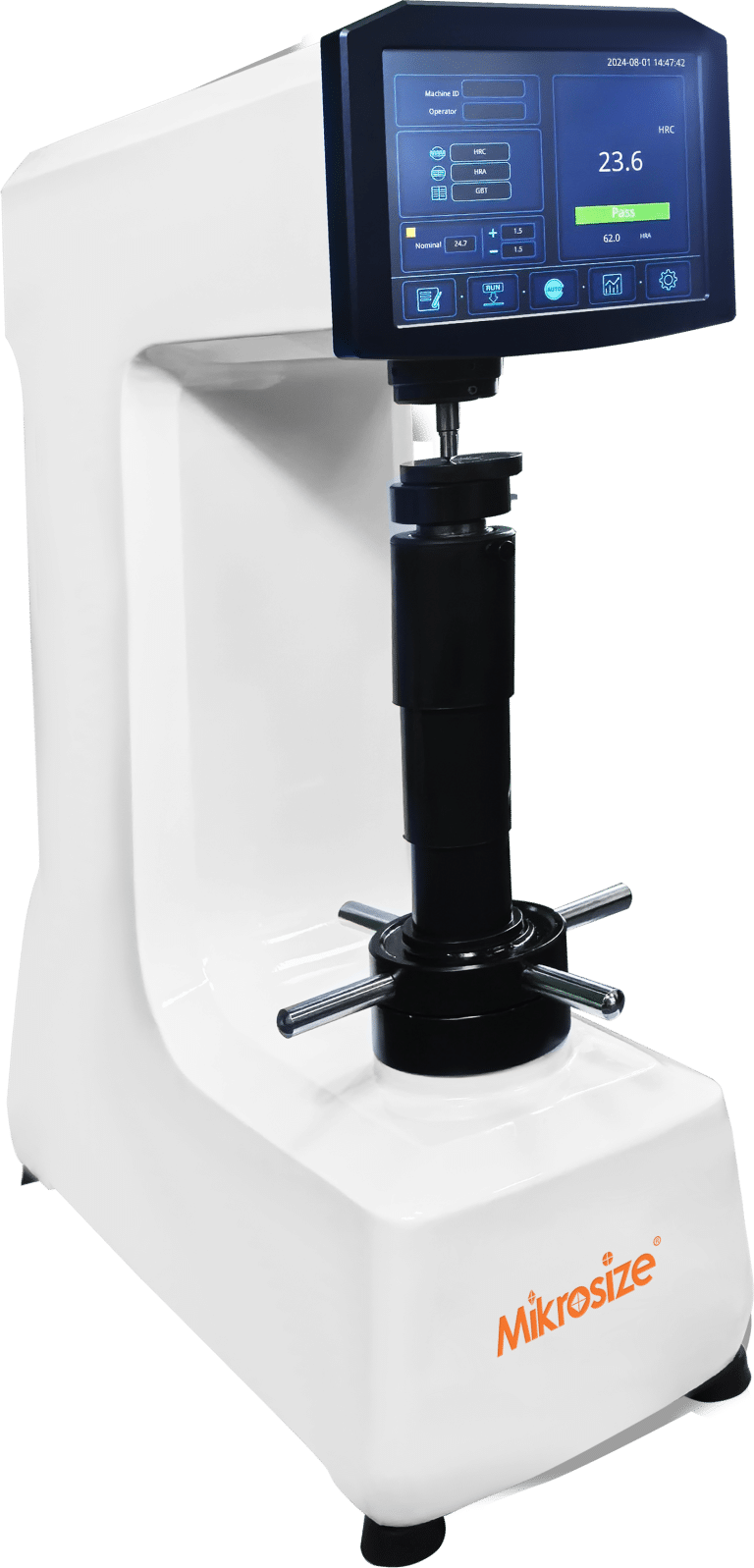
Manual Rockwell hardness testers, especially the widely-used HR-150A Rockwell hardness tester, remain the workhorse for metal hardness testing, heat-treatment quality control, and incoming-material inspection following ASTM E18 and ISO 6508 standards. Favored by machine shops, metallurgical labs and manufacturing quality departments, these benchtop Rockwell hardness testing machines deliver fast results with simple mechanical structures. Even so, many users frequently search why Rockwell hardness tester pointer shakes, Rockwell tester inaccurate readings causes, Rockwell hardness tester dashpot oil troubleshooting, and how to fix analog Rockwell hardness machine pointer problems when equipment malfunctions occur. Improper operation or worn internal mechanical parts easily trigger unreliable Rockwell hardness measurement data, misjudge material performance and compromise finished-product quality. This SEO-optimized practical blog covers typical Rockwell hardness tester pointer faults, root-cause diagnosis and actionable repair tips to solve common headaches for material-testing lab technicians and workshop operators.
Typical Fault Symptoms, Root Causes and Practical Solutions
1. Pointer vibrates under pre-load (minor load) application
Symptom: The dial pointer shakes visibly when you apply preliminary minor load before major-load testing. Root cause: Excessive clearance between the flat key and pressure groove of the elevating screw. Solution: Tighten the fastening screw for the flat key; replace the flat key component if wear persists.
2. Pointer shakes while applying major load
Symptom: Obvious pointer trembling occurs during major-load loading. Root cause: Loose loading-handle set-screws or insufficient buffer dashpot oil for the hardness tester. Solution: Fasten loose set-screws; refill dashpot buffer oil and fully bleed trapped air from the oil chamber.
3. Pointer moves too rapidly during major-load application
Symptom: The dial pointer spins at excessive speed as major load engages. Root cause: Dashpot oil needle stays at maximum-opening position, or the dashpot runs out of buffer oil. Solution: Adjust the oil needle to the proper throttle position; add recommended dashpot oil and purge air bubbles completely.
4. Pointer moves extremely slowly under major-load condition
Symptom: Slow pointer travel when major load is being applied. Root causes: Dashpot oil-needle opening is too narrow; degraded, dirty or high-viscosity dashpot oil; heavy friction on the dial indicator measuring rod; mechanical resistance within the main spindle assembly. Solution: Readjust oil-needle throttle; replace dashpot oil with correct-viscosity lubricant; eliminate mechanical friction sources; disassemble and clean the spindle system.
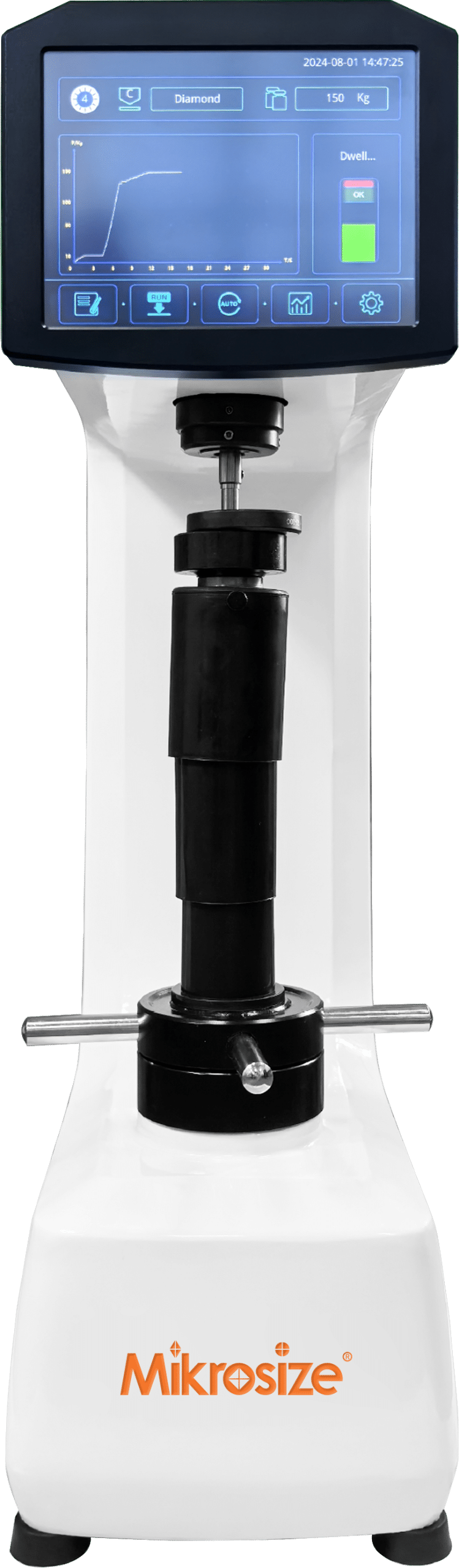
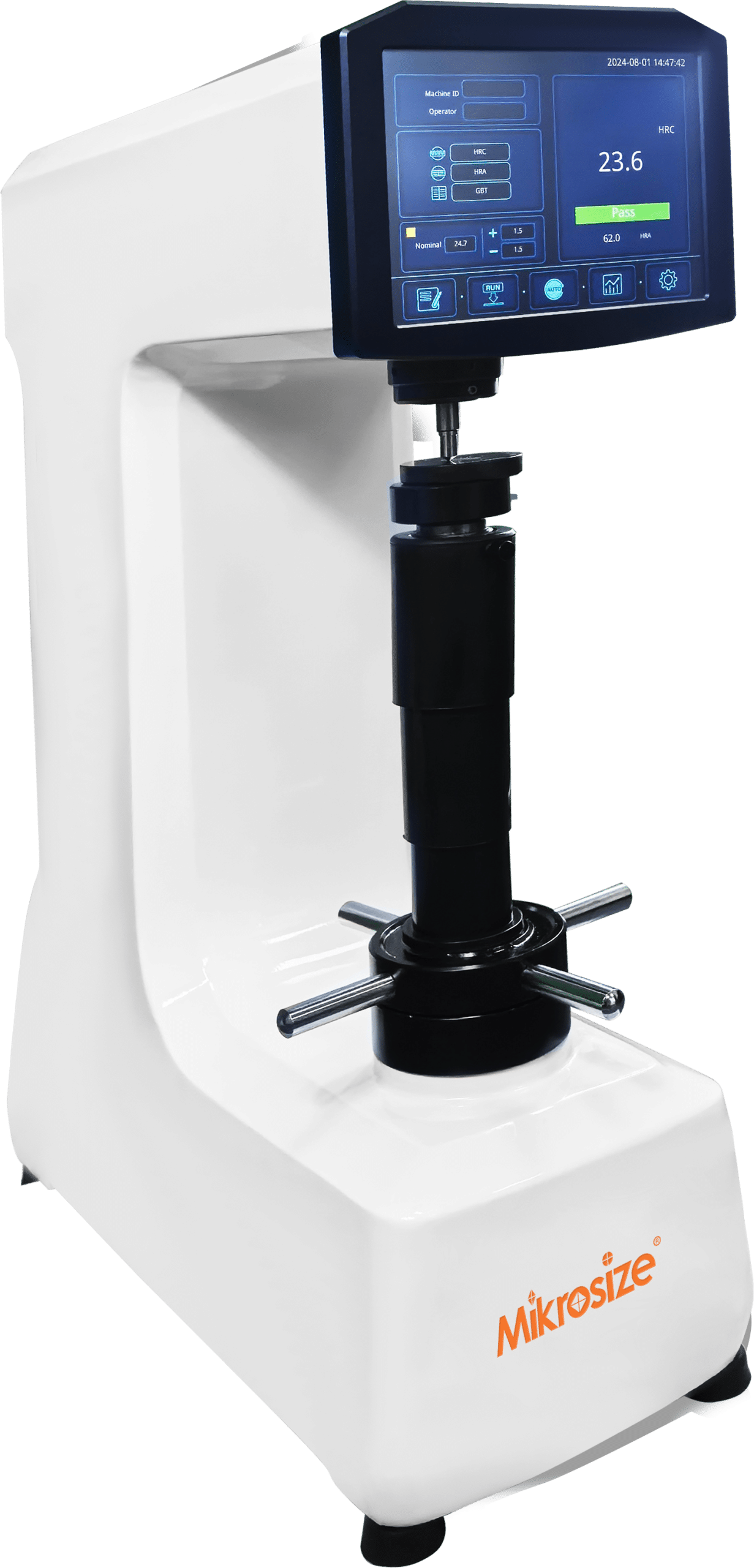
5. Pointer moves intermittently with uneven speed during major-load loading
Symptom: Pointer advances in jerks, alternating between moving and pausing with inconsistent velocity. Root causes: Air trapped inside the dashpot oil cylinder; tester out-of-level, leading to physical collision or contact between machine frame and weight stack assembly. Solution: Vent trapped air out of the dashpot cylinder; level the hardness tester by adjusting machine feet.
6. Pointer keeps vibrating after major-load completion
Symptom: Post-major-load pointer oscillation disturbs stable hardness readouts. Root causes: Oil contamination on the weight hanger tray; misaligned dashpot relative to worktable; tester body not horizontally leveled. Solution: Wipe grease and oil residues off weight tray; readjust dashpot mounting alignment; calibrate the horizontal level of the tester worktable.
7. Pointer continues rotating for a long time after major-load finishes
Symptom: The dial pointer cannot settle quickly and keeps rotating long after major-load application completes. Root cause: Over-long weight suspension (weight hanger rod). Solution: Switch to a shorter-length weight-hanger rod.
8. Pointer remains completely stationary upon major-load activation
Symptom: No pointer movement even after triggering the major-load cycle. Root causes: Major test load fails to engage mechanically; dashpot oil needle fully closes the oil passage hole. Solution: Shorten the weight-hanger rod; open dashpot housing and re-position the oil needle to unblock the oil flow channel.
-1.jpg "Common-Fault Analysis & Troubleshooting for Rockwell Hardness Tester: Fix Pointer-Related Issues for Accurate HRC HRB HRA Hardness Readings 4")
Conclusion
Mastering Rockwell hardness tester troubleshooting for pointer malfunctions is essential to avoid Rockwell hardness measurement errors, guarantee repeatable HRC, HRB, HRA test results, and keep your manual hardness-testing equipment compliant with ASTM E18 hardness test standards. Most inaccurate hardness readings originate from mechanical clearances, dashpot hydraulic-system faults, or poor machine leveling instead of permanent hardware damage. Regular preventive inspection helps lab technicians and production-floor quality engineers resolve anomalies early and prevent costly bad-part rejection caused by unreliable hardness data. If you are searching for high-quality Rockwell hardness tester replacement parts, precision hardness-testing instruments and professional application support for your metallurgy or manufacturing lab, Mikrosize supplies well-built hardness-testing machines, certified consumables and hands-on technical consultation, helping you reduce equipment downtime and maintain stable, trustworthy metal hardness inspection performance.

-150x150.jpg)