
1.Overview
This guide describes the standard operating procedure for the VMA-F Semi-Automatic Video Measuring System (hereinafter “the system”), a non-contact optical measuring instrument used for length, angle and contour measurement of machined parts.
2.Before Operation
- Make sure the measuring stage is clean and free of loose objects, tools and debris.
- Place the workpiece on the stage and position it as close to the center of the field of view as possible. Fix or clamp the workpiece if required.
- Check the objective lens and the stage glass for dust, oil or fingerprints. If cleaning is needed, wipe with a lint-free wipe moistened with a small amount of alcohol, in one direction from the center outward. Never use abrasive cloth or paper.
- Confirm that the power supply matches the rating on the nameplate and that all cables are properly connected. 2.5 Before the first measurement of each shift, calibrate the system with the supplied standard glass scale.
3.Startup
- Turn on the main power switch.
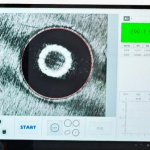
- Wait until the system completes initialization. The measurement interface will then appear on the monitor.
- Allow the light source to warm up for a few minutes so that brightness is stable.
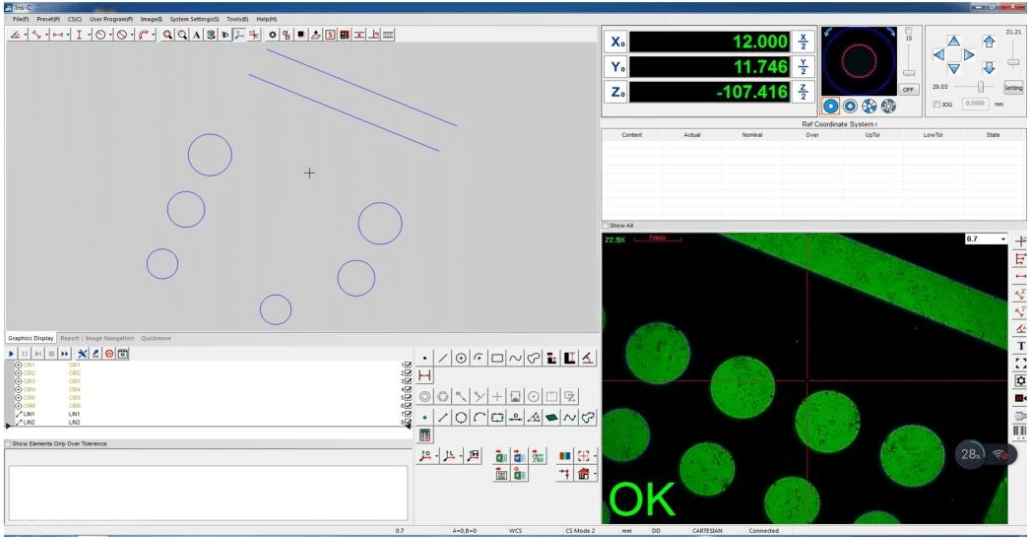
4.Selecting the Measuring Mode
Select the measuring mode that matches the feature to be checked, for example length (distance between two points), angle, or contour.
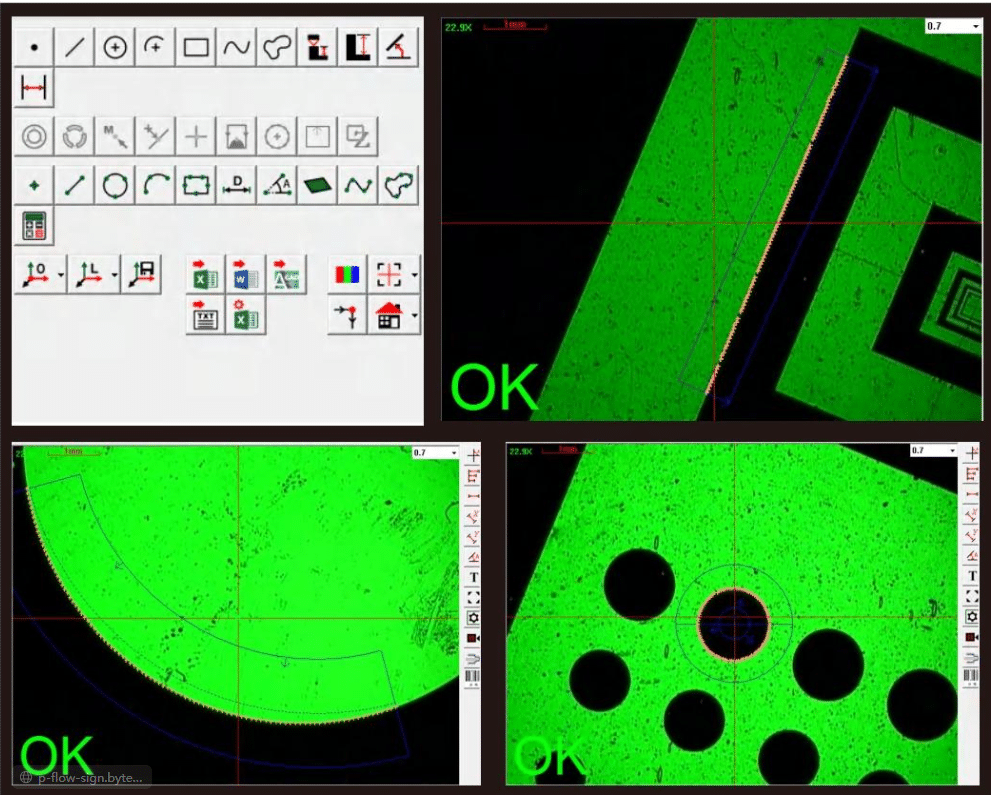
5.Focusing and Aligning
Use the X-Y stage handwheels or the control panel to move the workpiece until the feature to be measured is in the field of view. Adjust the focus slowly until the image edge is sharp and free of halo. Keep the magnification and the light intensity unchanged throughout a measurement run.
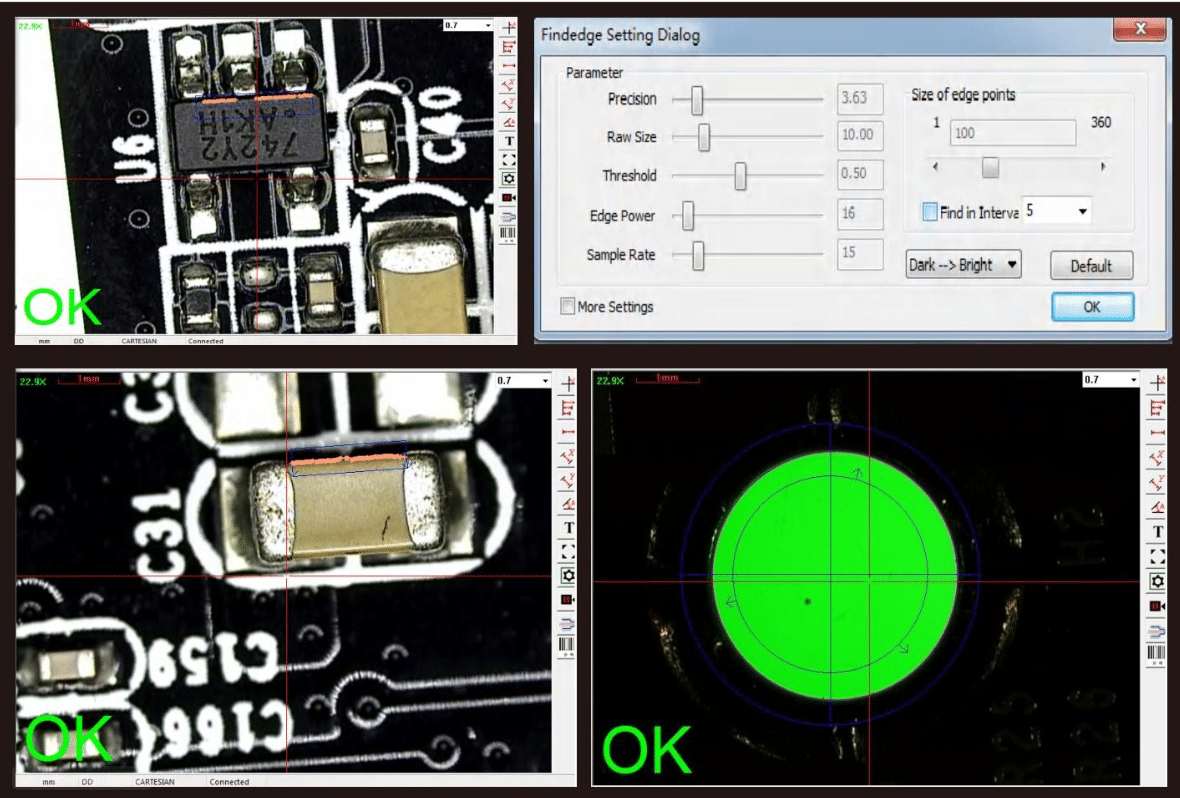
6.Measuring
- Length: click “Length Measurement” (or the corresponding distance function), then click the two end points of the feature on the screen. The system calculates and displays the result automatically.
- Angle: click “Angle Measurement”, then pick the vertex and one point on each leg of the angle (three points in total). The system displays the angle value.
- Contour: click the contour function, then pick points along the profile as prompted on the screen.

7.Precautions
- Do not touch the system, the stage or the workpiece while a measurement is in progress. Any vibration or displacement will affect the accuracy of the result.
- If the image becomes blurred during measurement, do not change any settings at will. Adjust the focus or the light intensity step by step, following the instructions in this manual.
- Keep the ambient temperature stable. Avoid direct sunlight, vibration and strong airflow.
- Do not exceed the load limit of the stage. Handle the objective lens with care to avoid damage.
- After use, switch off the system, disconnect the power supply and cover the unit to keep dust out.